ChromaBoard

LED signs and scrolling text

Turn your iPhone or iPad into an LED sign.

Turn your iPhone or iPad into a scrolling LED sign, a large text display, or a color flash. Link multiple screens over a local network.

Requires iOS or iPadOS 17 or later
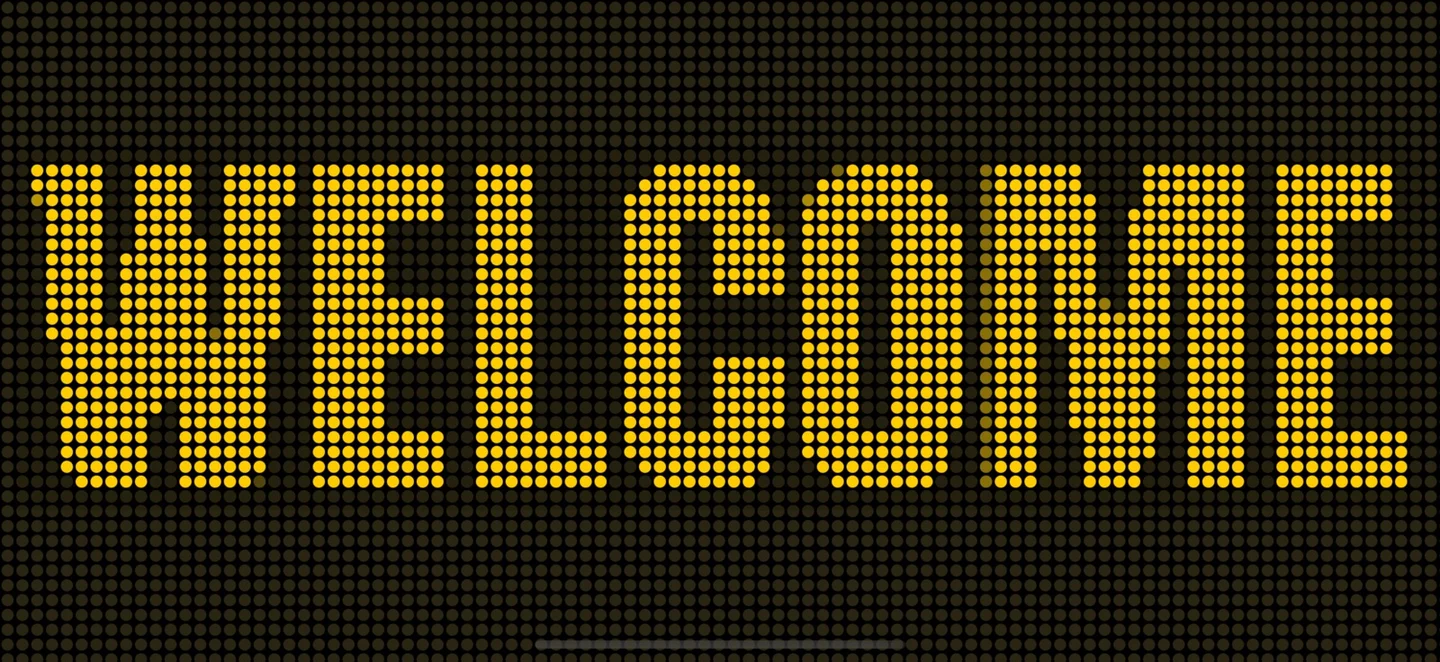
Full-screen LED sign in landscape

What you can do

Scrolling text

Set the text, color, direction, and speed of your marquee.

Full-screen signs

Use portrait or landscape for a pickup, event, or live performance.

Multi-screen

Use one device to control the sign and join from a second screen.

Color and LED effects

Choose color flash or an LED-style display.

Screenshots

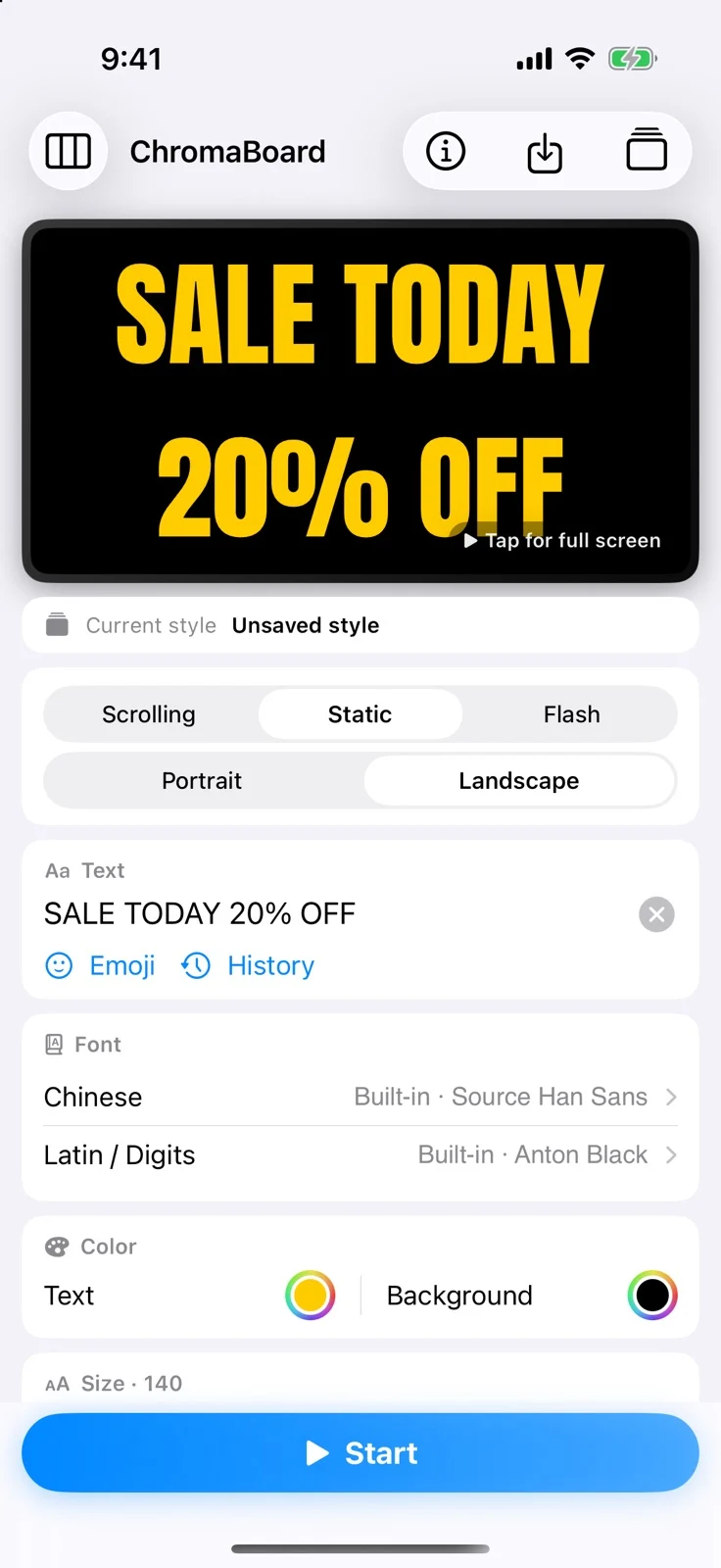
Enter your text and preview type, color and playback.
Edit a scrolling signEnter your text and preview type, color and playback.
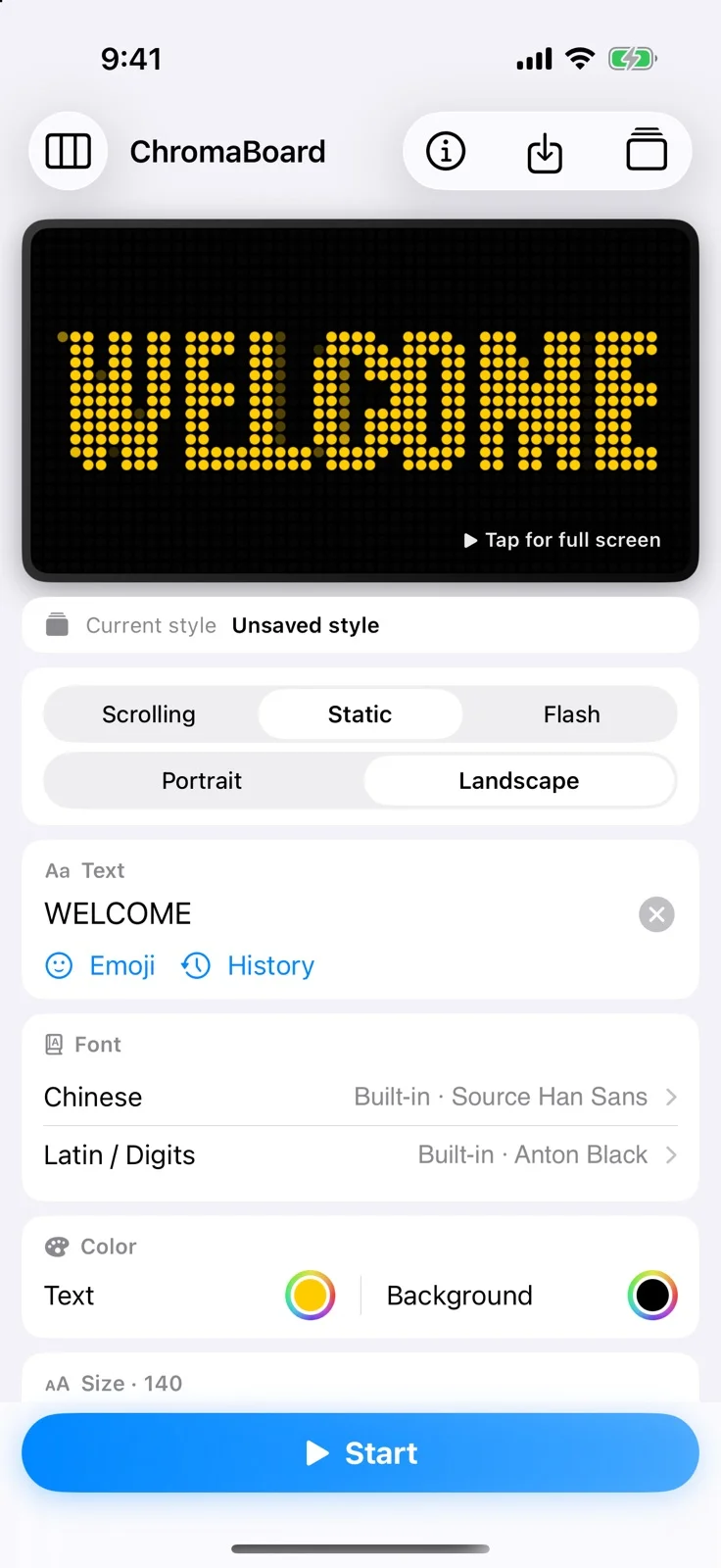
Choose a pixel pattern for the full-screen message.
LED dot stylesChoose a pixel pattern for the full-screen message.
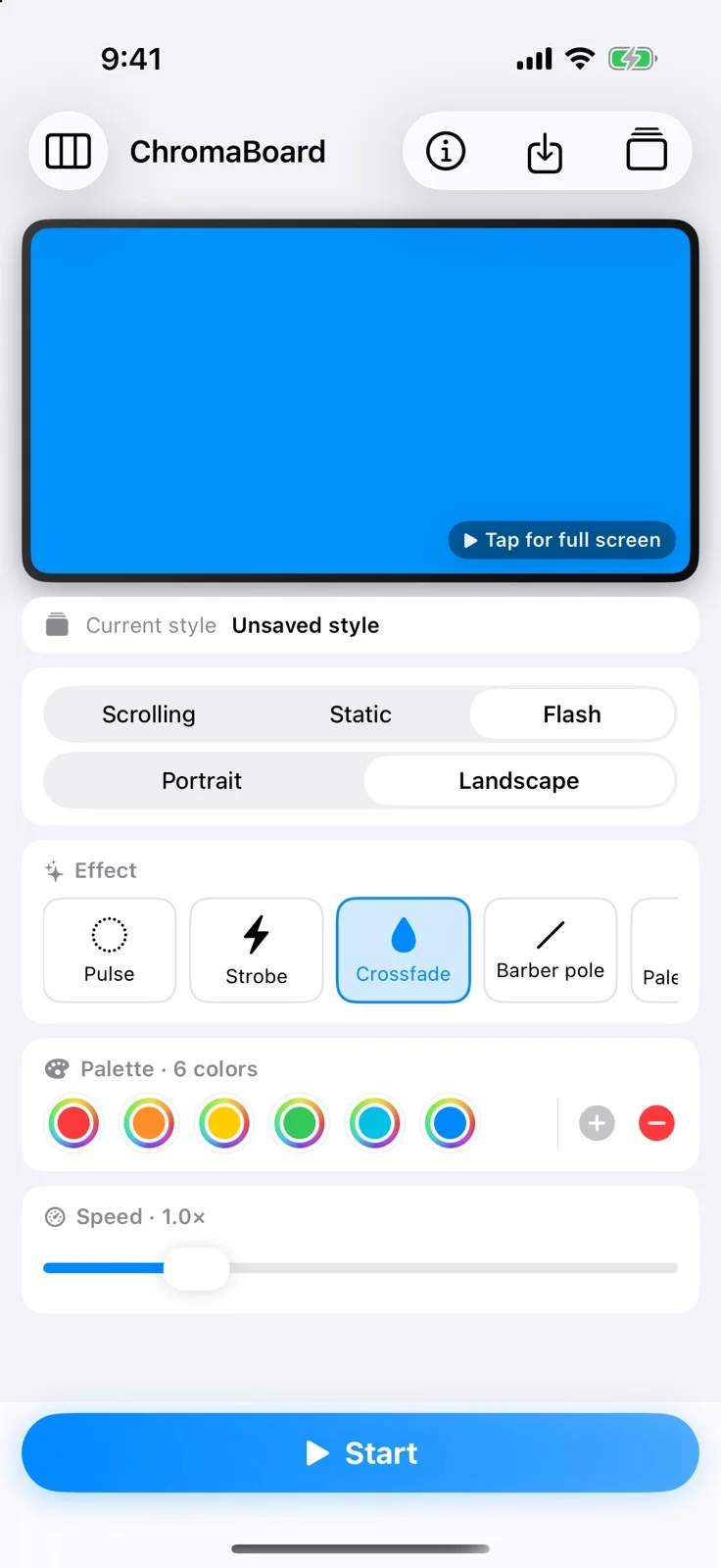
Choose flash colors and set the effect for your event.
Color flashChoose flash colors and set the effect for your event.
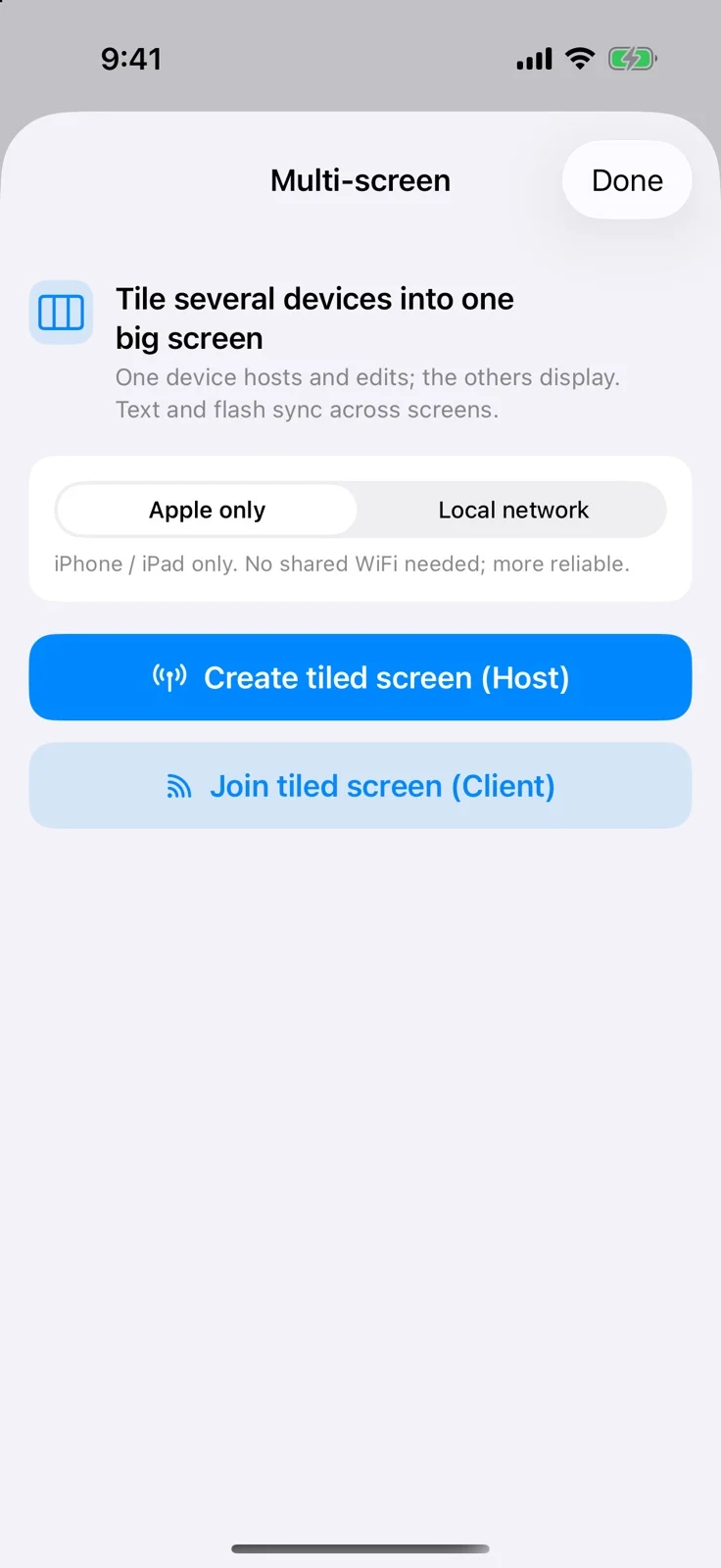
Host on one device and join from the others.
Multi-screen setupHost on one device and join from the others.

Demos

Guide

Join two devices into one display

Create a host, join from the other device, then start playback. Recorded in simulators.

Steps

Get ChromaBoard

iPhone / iPad