 ChromaBoard
Edit and preview live
Adjust text, fonts, colors, and scrolling speed while watching the preview.
LED signs and scrolling text
Preview scrolling text, static signs, and color effects in the Mac workspace. Present full-screen on an external display or connect multiple devices over a local network.
Submitted for App Store review. Download will be available after release.
Requires macOS 14 or later

Adjust text, fonts, colors, and scrolling speed while watching the preview.
Choose the output screen and keep the controls available in the editor.
Repeat the sign on multiple displays, span it horizontally, or connect devices over a local network.
Preview dot patterns and flowing colors, then save the styles you use often.
Swipe to see more

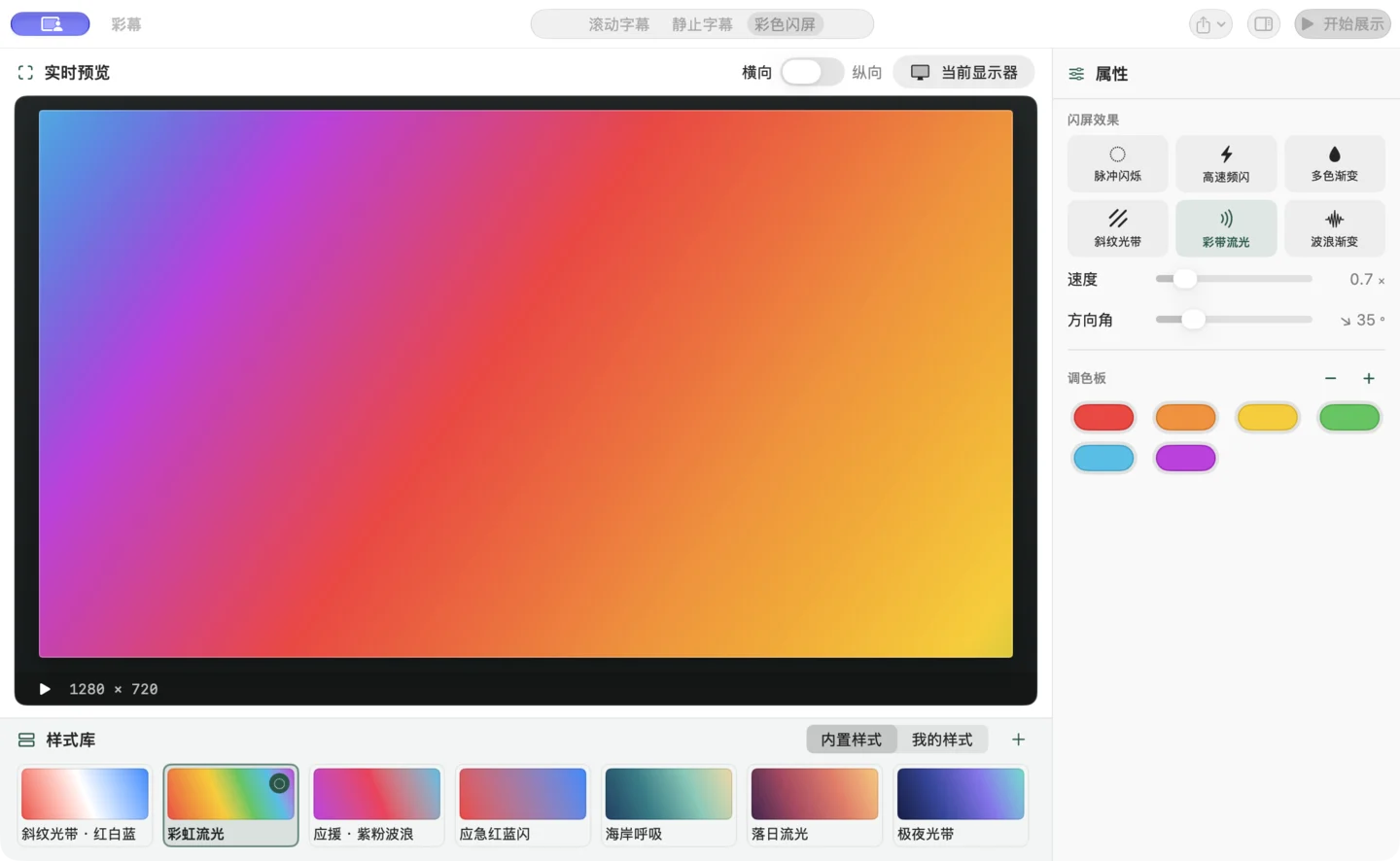
Choose scrolling or static text, enter your message, and check the font, colors, and orientation in the live preview.
Open the display options, select the screens to use, then mirror the sign or span it across displays.
Enable full-screen output and start presenting from the workspace. Stop from the same controls when finished.